Variables
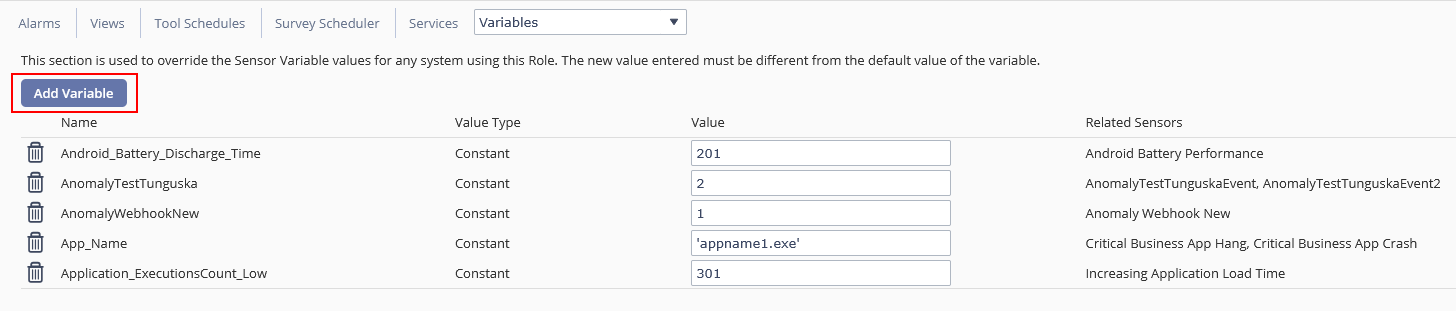
Sensors use variables, and you can set a variable per role. You can override sensor variable values for any system assigned to the selected role.
To trigger a sensor under different conditions for specific systems, define variables for each configuration. The new value must differ from the variable's default. Reverting the variable removes it from the override list.
To add a new variable:
-
Go to Configure > Roles
-
Select Variables from the drop-down menu next to Services
-
Click the Add Variable button:
-
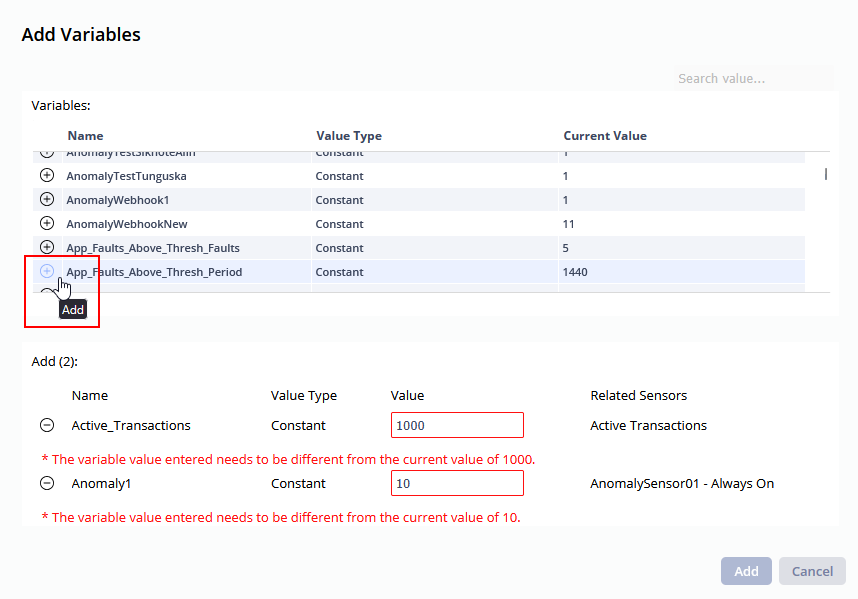
In the new dialog box, you will be able to view all available variables and add them to your Role. Be sure to use a new value for each of them:
-
Click Add to save your selection and close the dialog box.
-
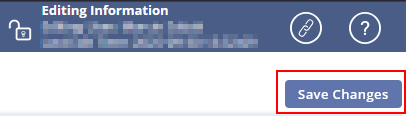
Be sure to select Save Changes in the upper right corner of the screen to finish adding the variables.
On This Page